

Claude Pro or higher required. Connectors are available on Claude Pro, Team, and Enterprise plans. The free Claude plan does not support MCP connectors.
Setup
The whole process takes about a minute.1
Open Detrics in the Claude directory
Go to claude.ai/directory/detrics. This is the official Detrics listing in the Claude directory.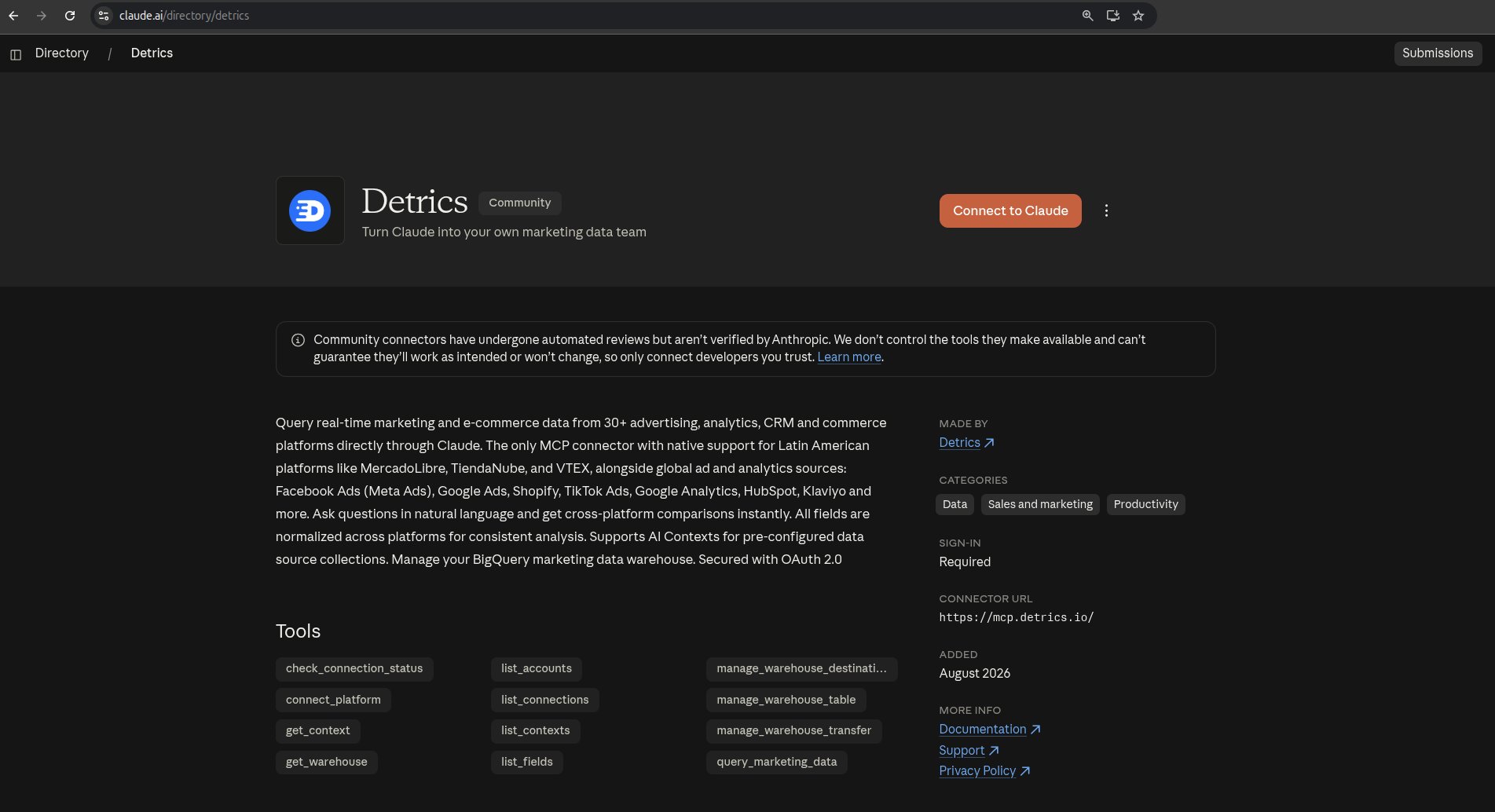
2
Click Connect to Claude
Click the Connect to Claude button on the Detrics listing.
3
Authorize with your Detrics account
Claude redirects you to Detrics. Sign in with your account and grant Claude permission to access your Detrics data. Once authorized, the connection is active in both claude.ai and Claude Desktop.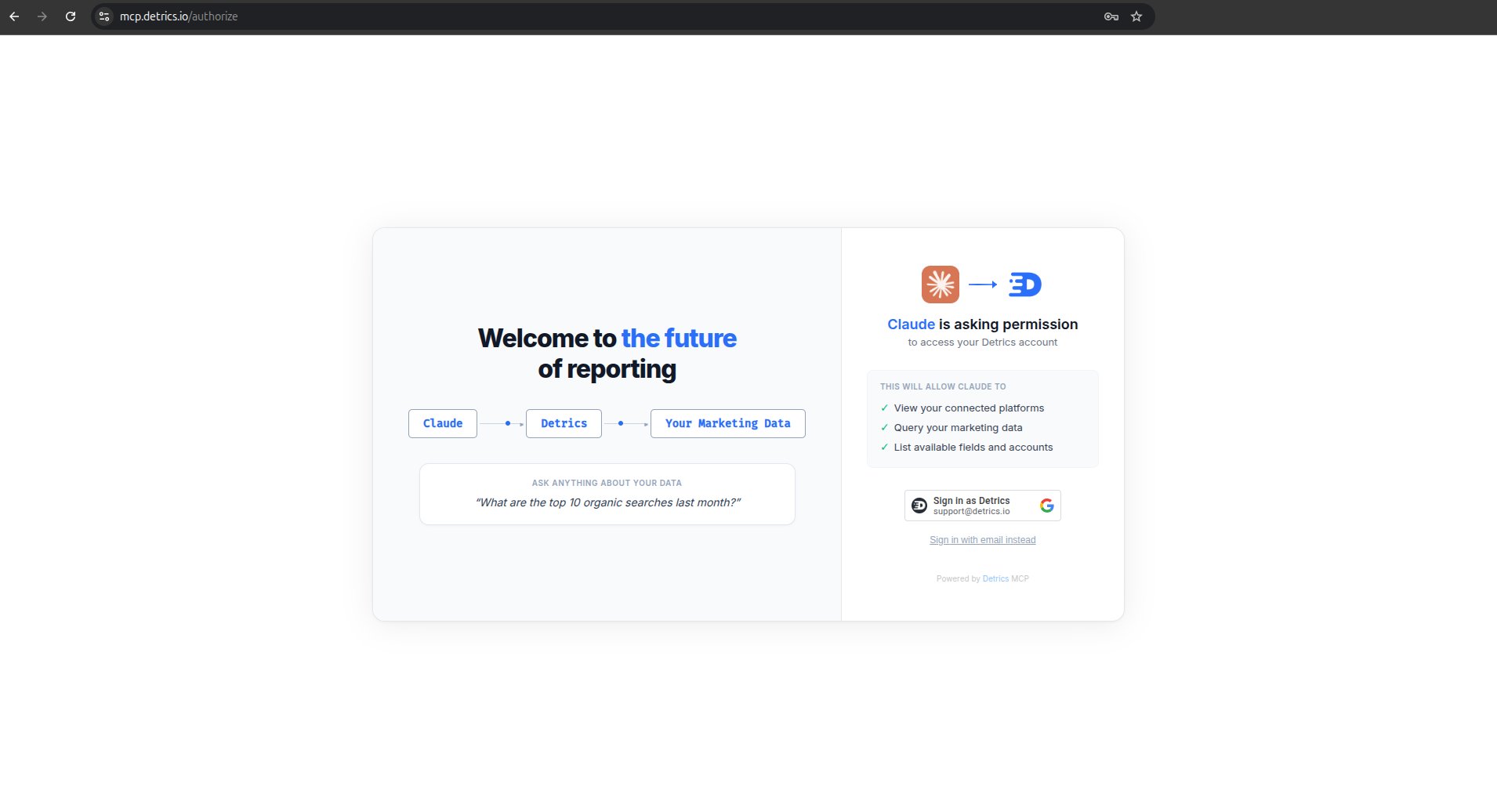
4
Verify it works
Start a new chat in Claude and ask:You should see a list of your connected data sources. If you do, you are all set.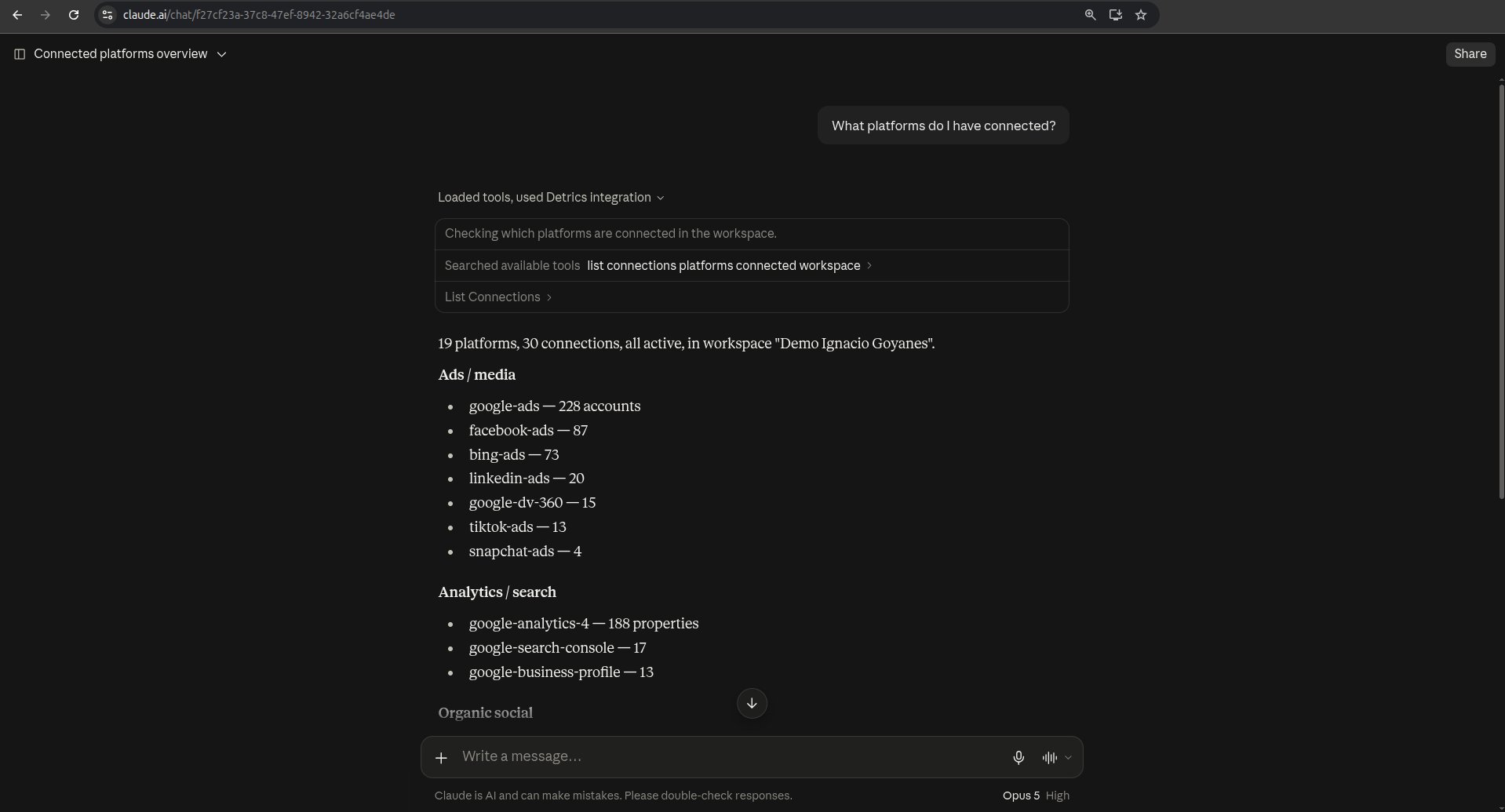
If you can’t use the directory
There are two common reasons: your Claude Team or Enterprise admin has not enabled connectors for your workspace, or the directory listing has not rolled out to your region yet. In both cases you can add Detrics manually as a custom connector.Manual setup: add Detrics as a custom connector
Manual setup: add Detrics as a custom connector
1
Open the setup guide in Detrics
Go to app.detrics.io/mcp/claude. This page shows numbered steps with screenshots for each one.
2
Open Claude settings
In claude.ai (or Claude Desktop), click your profile icon at the bottom left, then click Settings.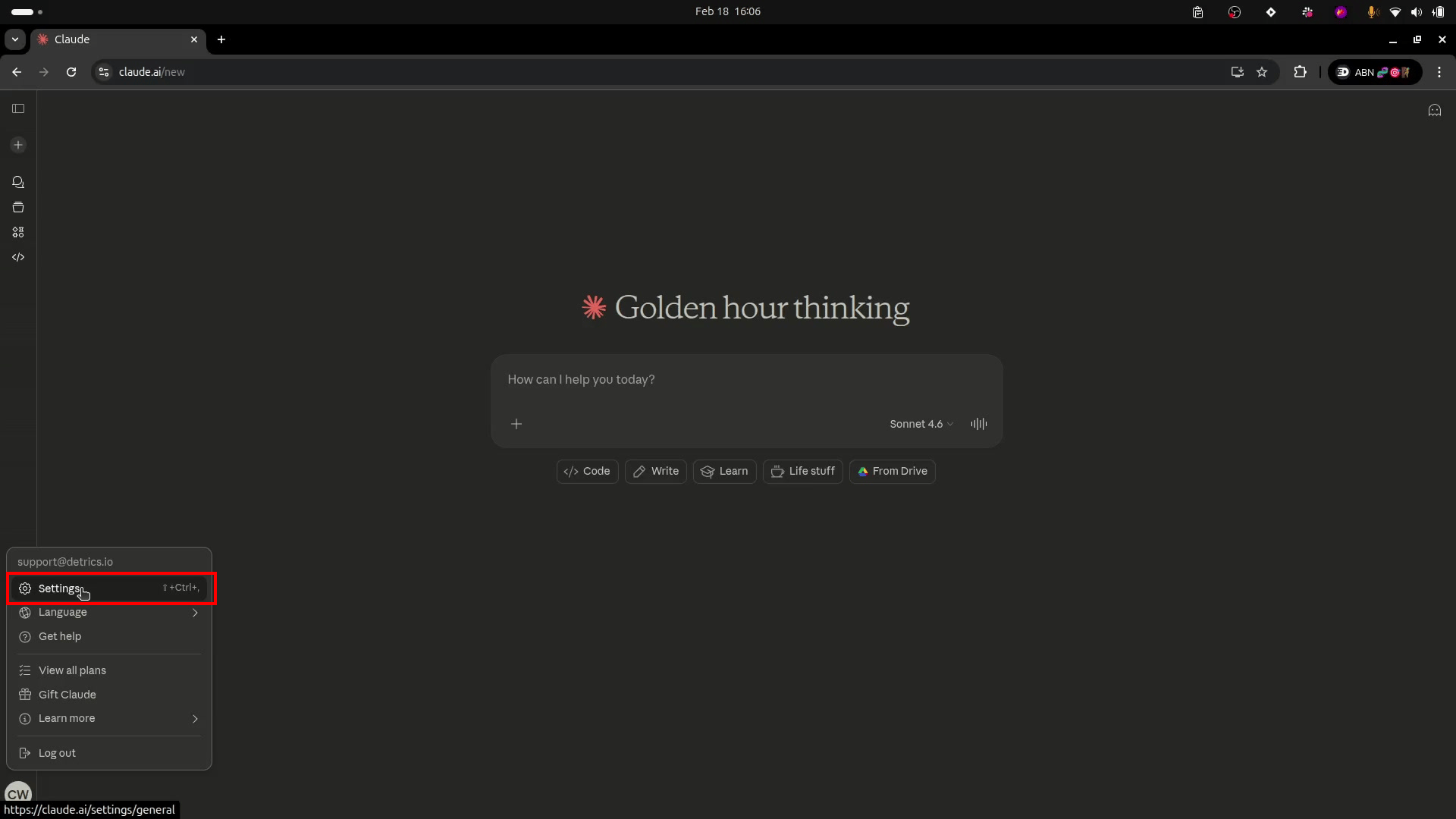
3
Go to Connectors
In the settings sidebar, click Connectors. You will see a list of your connected services.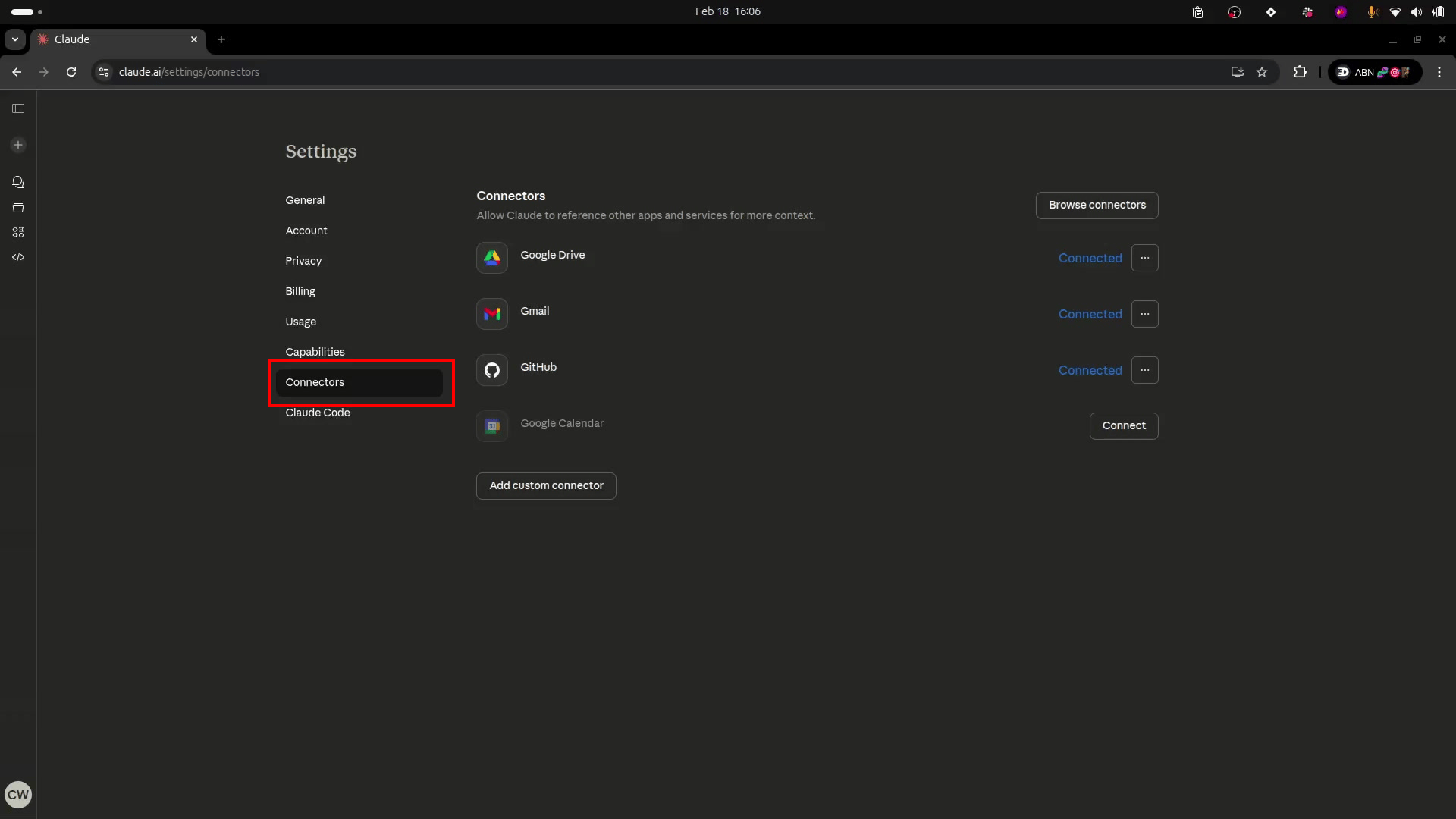
4
Add a custom connector
Scroll to the bottom of the connectors list and click Add custom connector.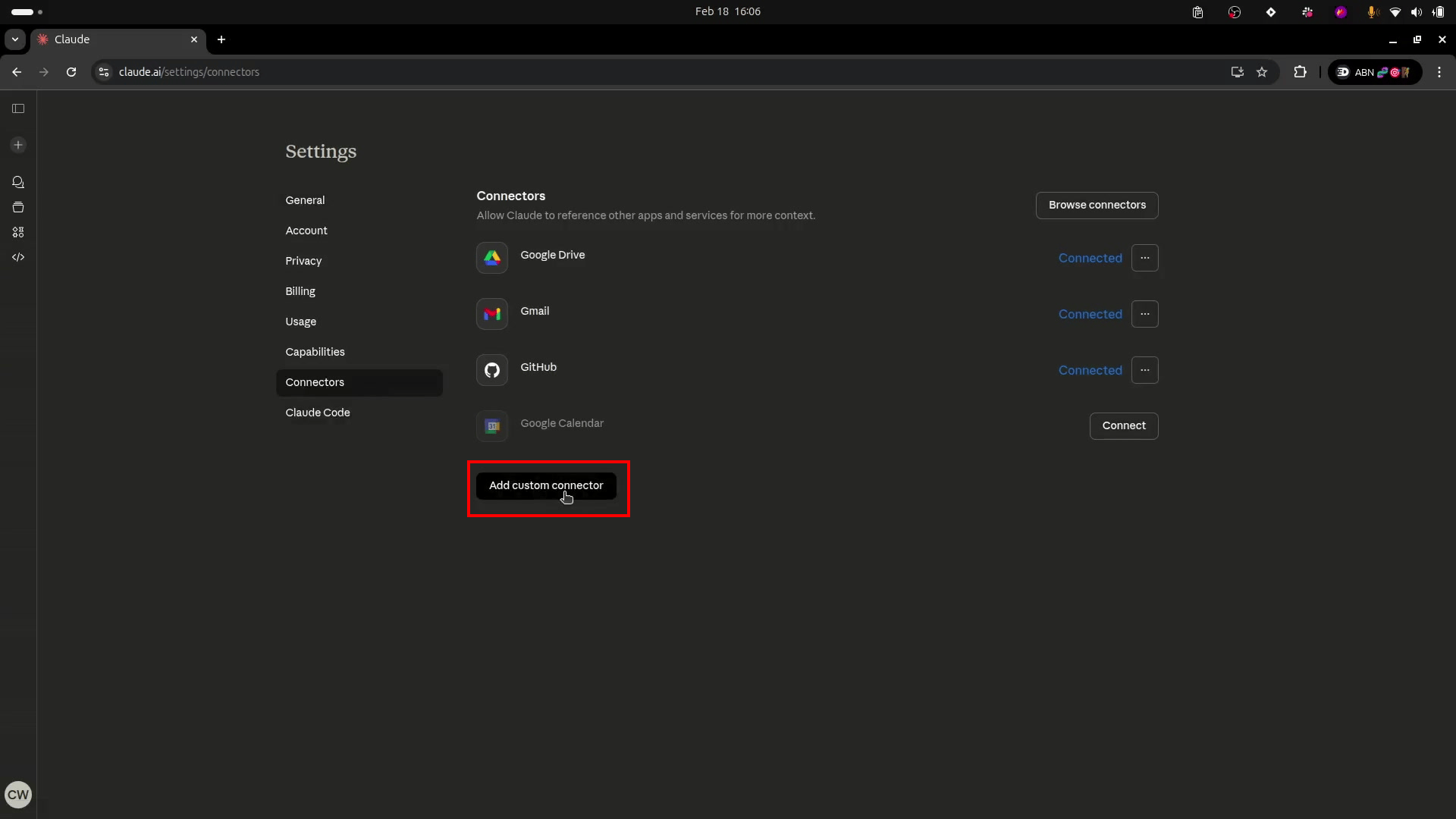
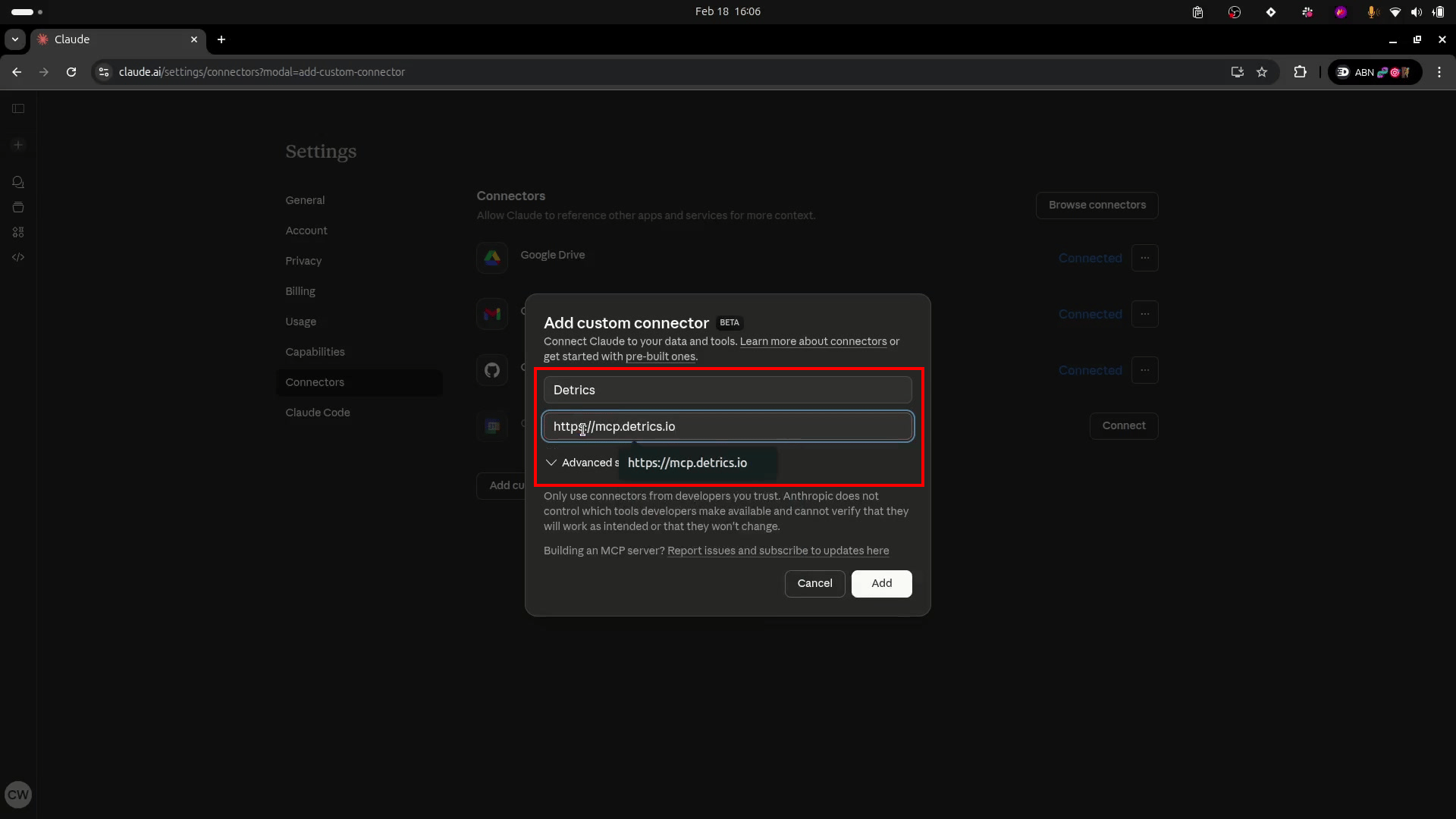
- Name:
Detrics - URL:
https://mcp.detrics.io
/sse suffix.5
Click Connect
Click Connect next to the Detrics connector that appears in your list.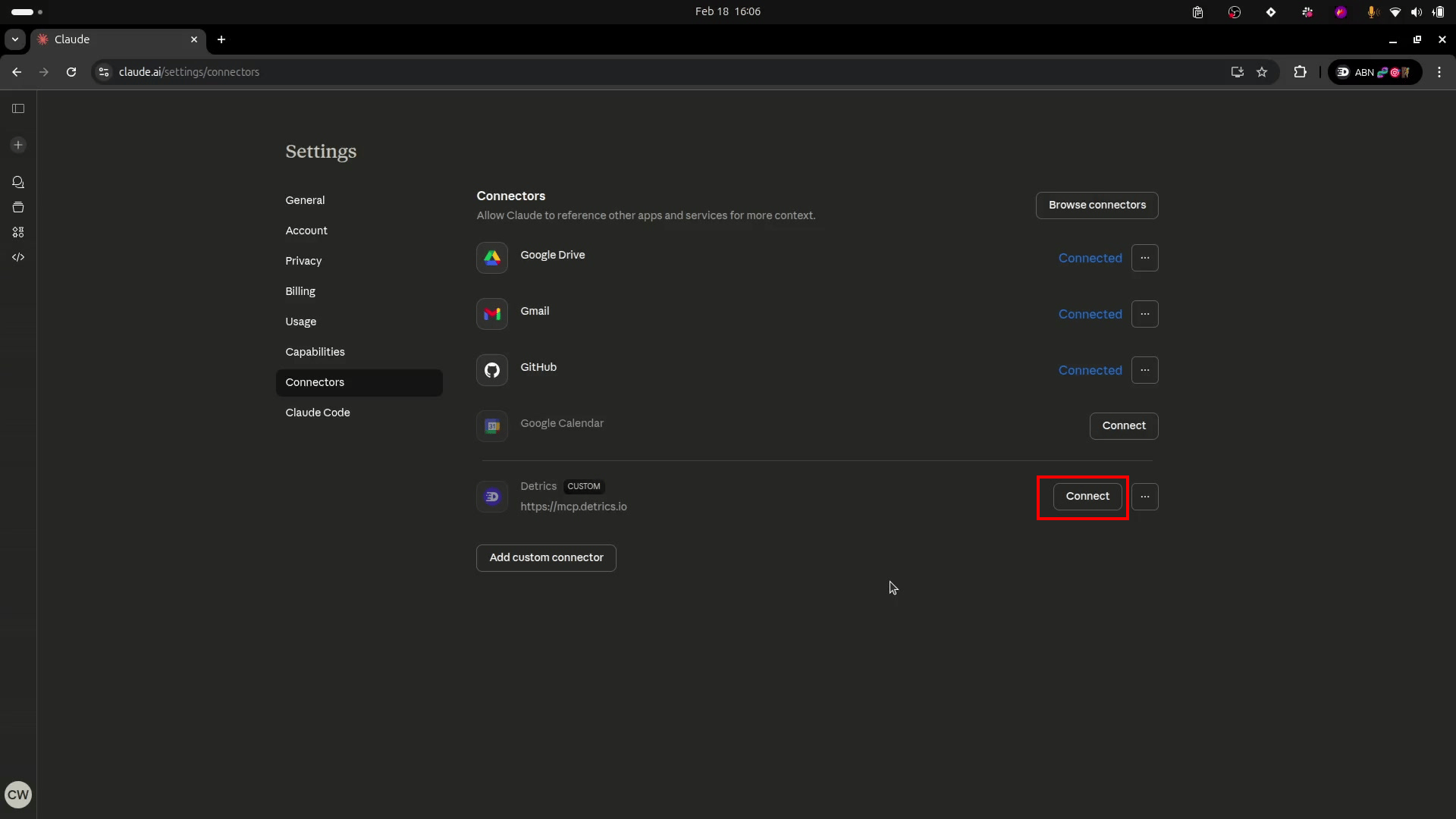
6
Authorize with your Detrics account
You will be redirected to Detrics. Sign in with your account to authorize access. Once authorized, the connection is established.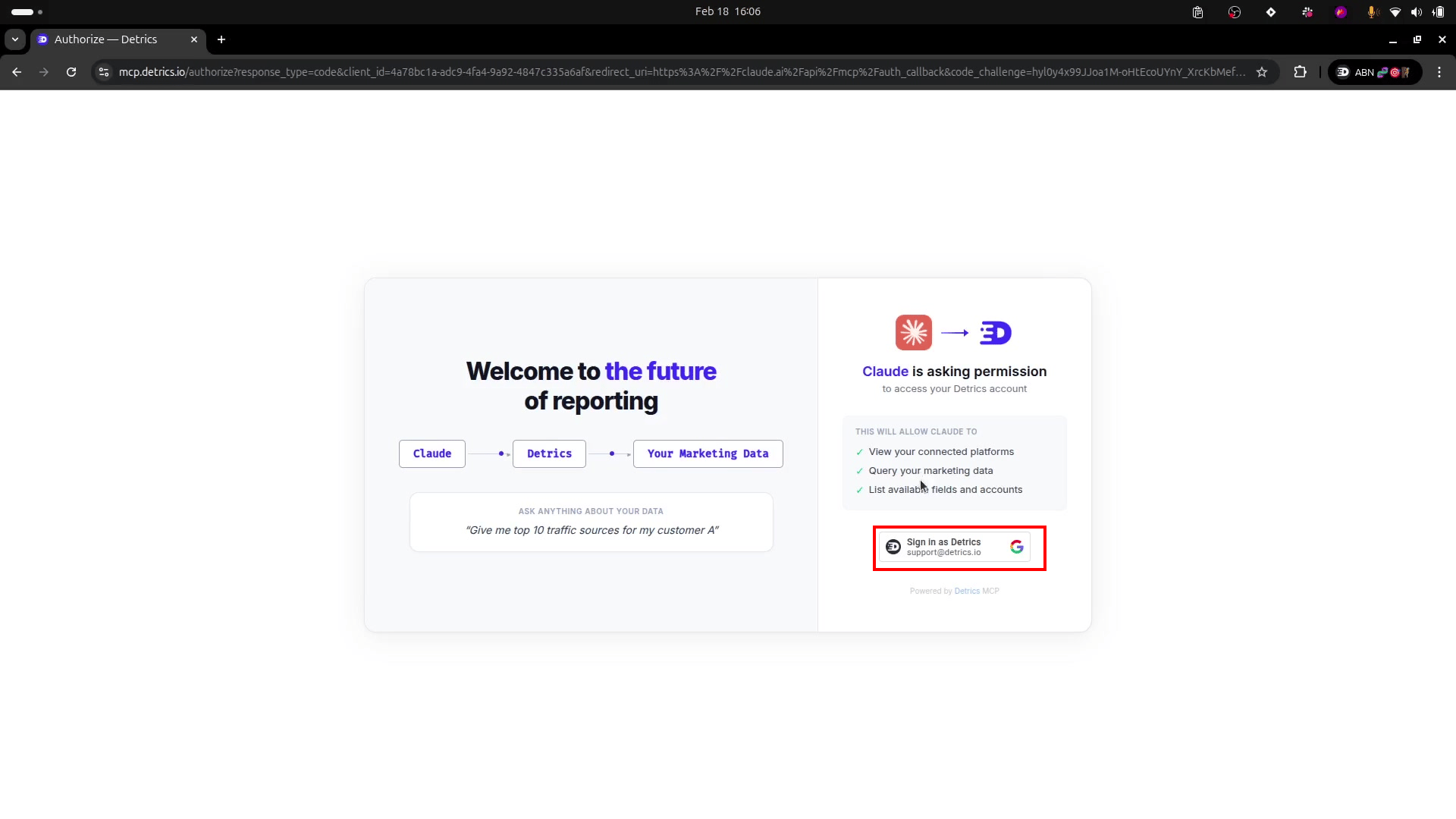
7
Verify it works
Start a new chat in Claude and ask:You should see a list of your connected data sources. If you do, you are all set.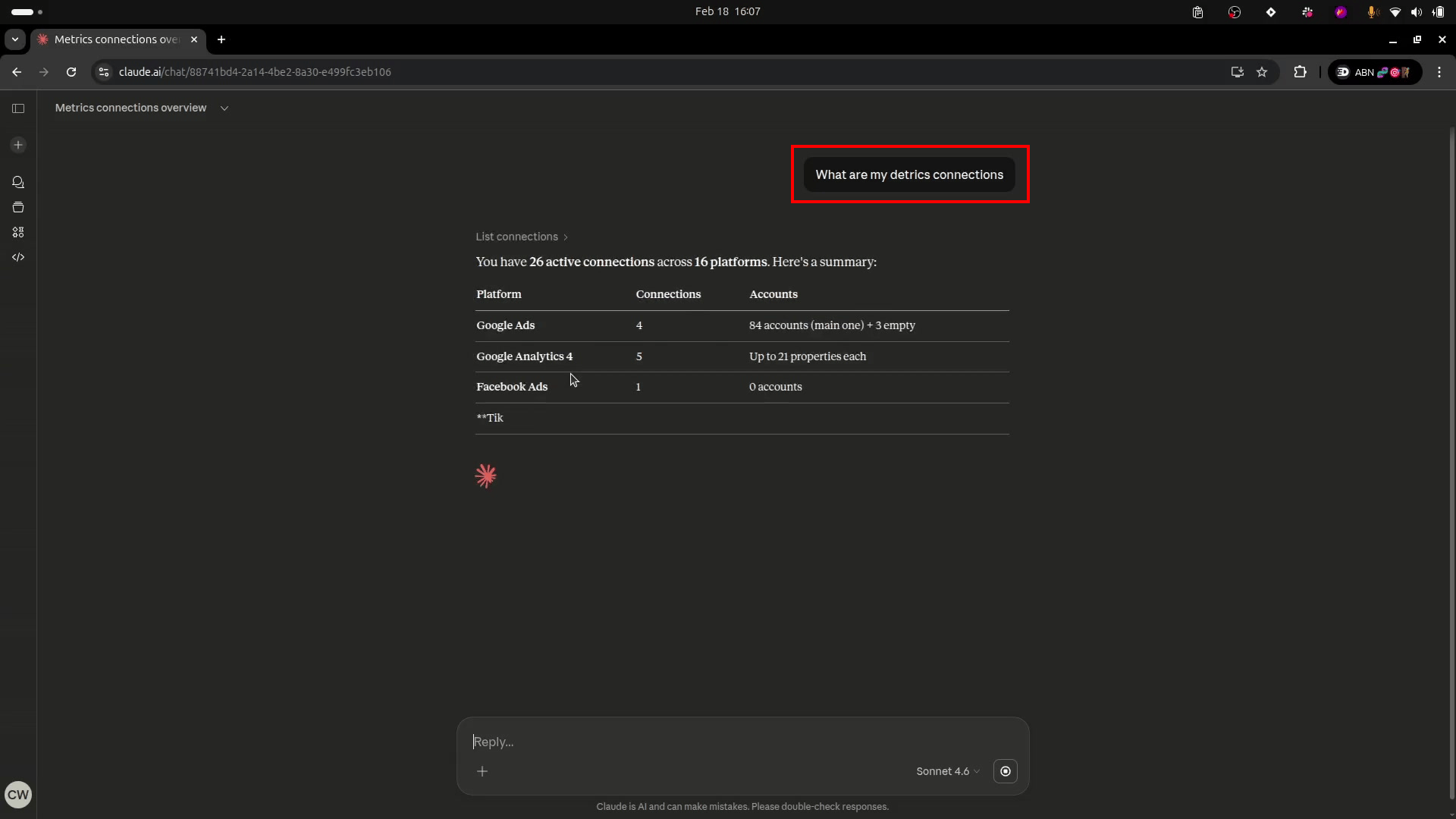
On Claude Team and Enterprise plans, a workspace admin may need to enable or approve custom connectors. If the Add custom connector option is missing, ask your admin.
Example prompts
Once connected, try these:- “What was my total ad spend across all platforms last month?”
- “Compare my Google Ads and Meta Ads ROAS for the last 30 days”
- “Show me my top 5 campaigns by conversions this week”
- “What’s my Shopify revenue trend over the last 90 days?”
- “What metrics are available for TikTok Ads?”
Using AI Contexts
AI Contexts let you pre-select which accounts to query. Instead of specifying platform and account every time, you create a Context once and reference it in your prompts. See Create an AI Context to set one up.Revoking access
To disconnect Detrics from Claude:- Go to Claude Settings > Connectors
- Find the Detrics connector
- Click Disconnect or Remove
Troubleshooting
Detrics is missing from the Claude directory
Detrics is missing from the Claude directory
On Team and Enterprise plans, admins control which directory connectors are available to the workspace. Ask your admin to enable Detrics, or use the manual custom connector setup instead.
Claude cannot access Detrics tools
Claude cannot access Detrics tools
The MCP connection may have expired or been disconnected.Fix:
- Go to Claude Settings > Connectors
- Remove the existing Detrics connection
- Reconnect from the Claude directory or from app.detrics.io/mcp/claude
"No connections found" response
"No connections found" response
Your Claude connection works, but there are no platforms connected in your Detrics workspace.Fix:
- Go to app.detrics.io and connect at least one data source
- Or ask Claude: “Connect my Facebook Ads account”, it will generate an OAuth link for you